The video on your screen,saved as a file.
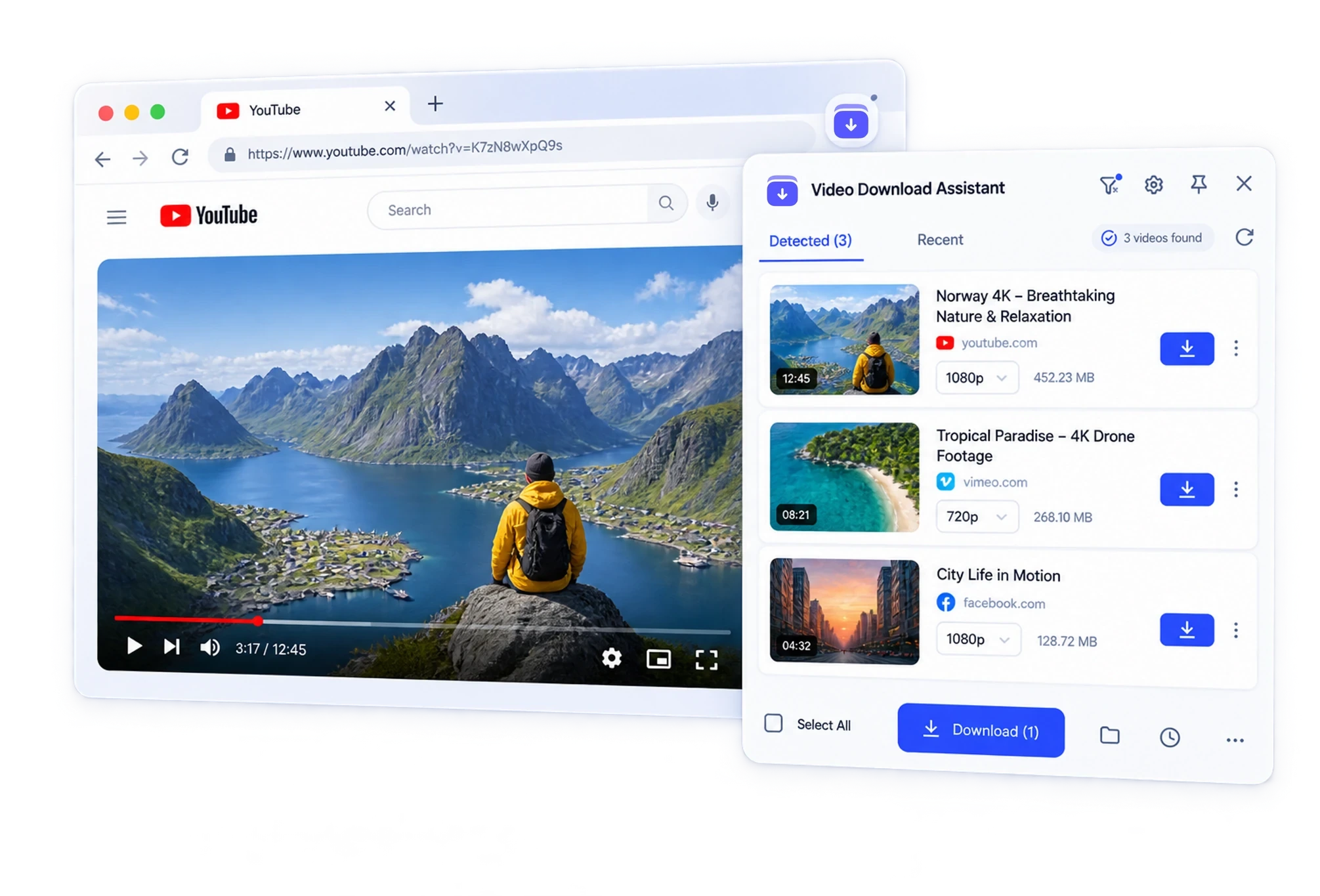
Install VDA once. Open any video page and the extension lists the video, audio and images it detected — pick one and download. Live HLS streams included. No desktop software to install.
Chrome · Edge
Three situations VDA was built for
A video is playing, but there is no download button.
VDA watches the network requests the page makes. When a video or audio stream starts, it appears in the extension with a download button.
The stream is HLS or DASH, not a single file.
Streaming sites split video into many small segments. VDA reassembles them inside the browser and saves one playable file.
It is a live stream.
Press record in the extension and stop when you are done. The recording is written to disk while it happens, so a long stream never fills your memory.
Six things, done in the browser
All detection, download and conversion run locally. DRM-protected streams are the one thing VDA does not touch.
Sniff media on any page
Video, audio and images that a page actually loads are detected. Ad and tracking requests are filtered out.
Download HLS and DASH
m3u8 and MPD playlists, including AES-128 encrypted HLS and live HLS streams.
Convert inside the browser
TS, FLV, WebM and HEVC streams convert to MP4 locally. Audio can be saved as MP3. No ffmpeg or other software to install.
Parallel download for big files
Stable files of 64 MB or more are fetched in parallel ranges and resume after an interruption.
Batch and queue
Queue several detected files at once, or save every image on a page in one pass.
Files land where you expect
Finished files are handed to the browser download manager and saved to the folder your browser uses.
Three steps, first one takes a minute
Install the extension
Add VDA from the Chrome Web Store or Edge Add-ons.
Open a page and play the media
Use the site as you normally would.
Download
Open VDA, choose the item and format, and the file is saved to your browser download folder.
Works on the sites you already use
Video, live, audio and image platforms — new ones are added with each update.
 YouTube
 Bilibili
 TikTok
 Twitch
 Instagram
 Vimeo
Vimeo 抖音
抖音 X (Twitter)
 快手
快手 Facebook
 小红书
小红书 爱奇艺
爱奇艺 VK
VK 梨视频
梨视频
Free to start
Free: a daily download quota and core detection. Paid plans remove the daily limit and unlock batch download and live recording.
Short answers to common questions
Try it on the next video you watch.
Install the extension, open a video page, and download in one click.
Chrome and Edge are supported.